
Contents+
The best color analysis apps for Android in 2026 are Yuree, which runs a full 12-season analysis in Chrome with nothing to install, Style DNA for outfit planning from the Play Store, and Dressika for trying colors on your own photo. Whichever you pick, switch off your camera's beauty mode first, because it quietly changes the skin tones the analysis reads.
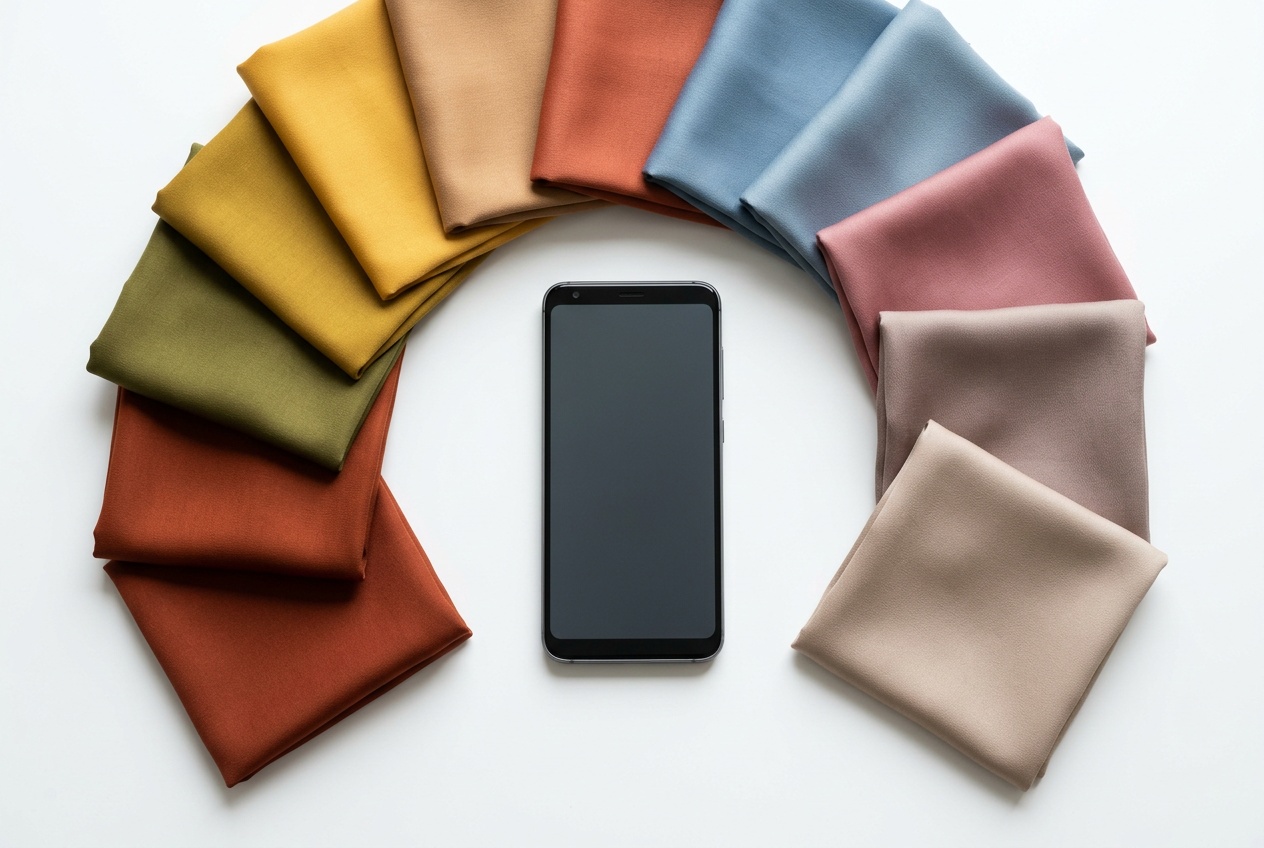
How to take a color analysis photo on an Android phone
- 1Turn off beauty mode, face effects and filters in your camera app.
- 2Disable vivid HDR or scene optimizer color boosts.
- 3Face a window in daylight, out of direct sun.
- 4Remove makeup and pull your hair back.
- 5Wear white or grey near your face.
- 6Use the rear camera with a helper for a sharper, less processed photo.
Why Android needs its own list
Search for a color analysis app and you'll mostly find iPhone screenshots and App Store links. Plenty of the apps people rave about on TikTok launched on iOS first, and some still treat Android as an afterthought, with older versions, missing features, or no app at all.
Android also adds one real problem: camera processing. Samsung, Xiaomi, Oppo and others ship cameras with skin smoothing and warm or cool color tuning switched on by default. Color analysis reads your skin, eyes and hair from that photo, so a beautified selfie can push you a whole season off. Every tool below works better with beauty mode and filters turned off, in daylight, facing a window.
Full disclosure before the list: Yuree is ours, so weigh the ranking with that in mind.
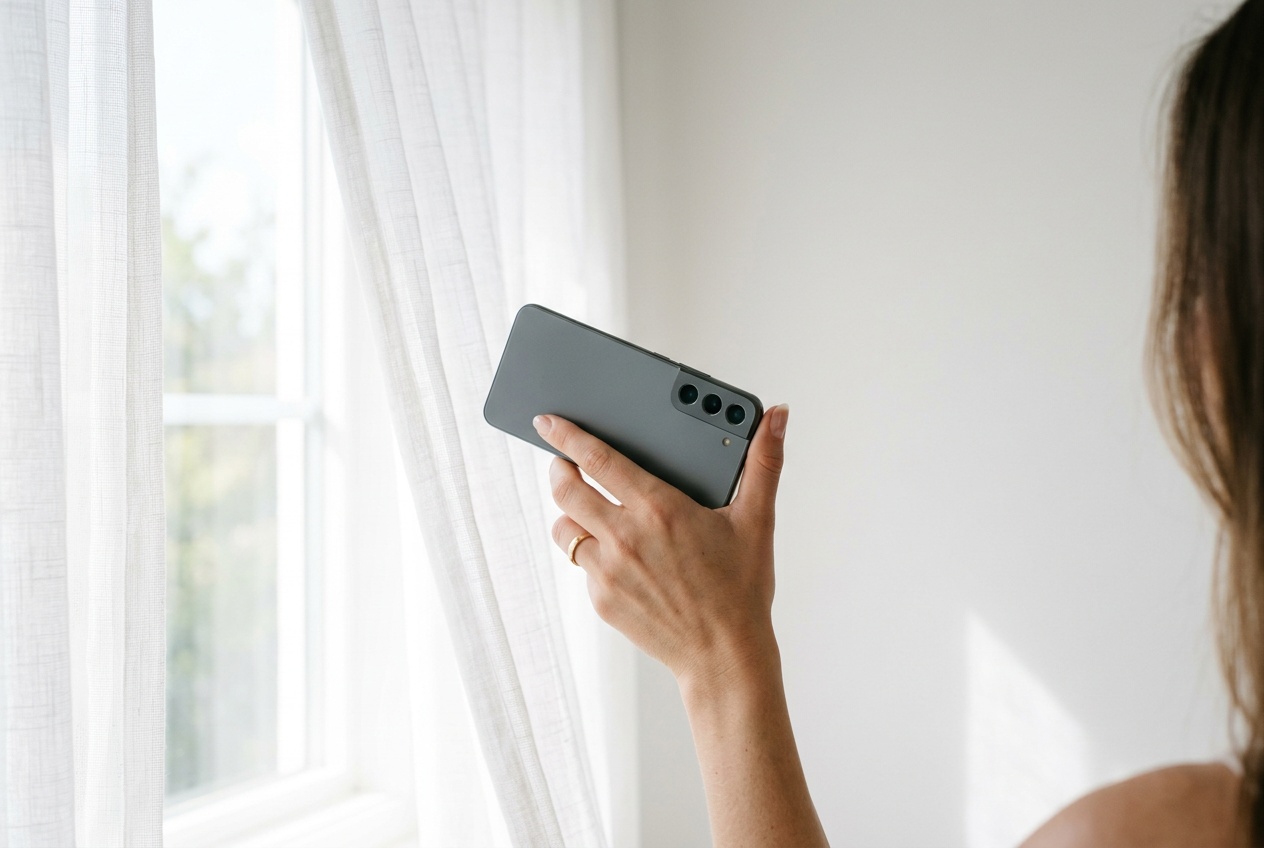
1. Yuree: best overall, works in Chrome
Yuree runs in Chrome, Samsung Internet or any Android browser, so it works on a three-year-old budget phone exactly as it does on a new Galaxy. Take the free season quiz first; if you want the full read, the $19 photo analysis types you into one of 12 seasons with a model trained on 1M+ real analyses, and names the exact shades that suit you, like "soft brick" and "antique gold", along with the colors to skip.
Because it lives in the browser, there's no Play Store version lag, no storage hit and nothing to uninstall when you're done. The tradeoff is no home-screen icon nagging you with daily outfit ideas. Best for: an accurate, detailed answer on any Android phone in minutes.
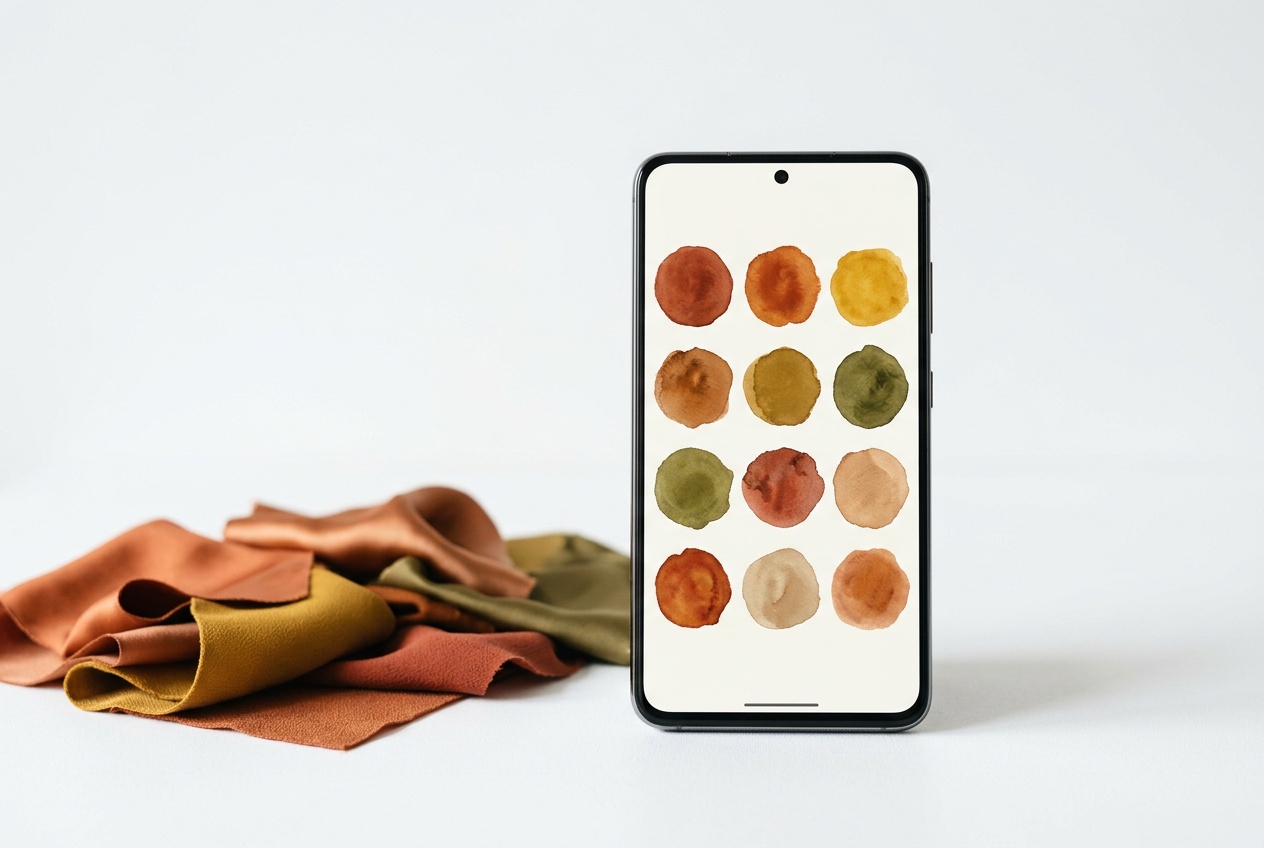
2. Style DNA: best native Android app
Style DNA is on Google Play and is the most complete native option. It scans your face, assigns a color type, then builds outfits from photos of your own wardrobe and filters shopping to your palette. It's built around a subscription, so the analysis is the free entry point and the styling features are where it asks you to pay. Best for: people who want a stylist living on their phone.
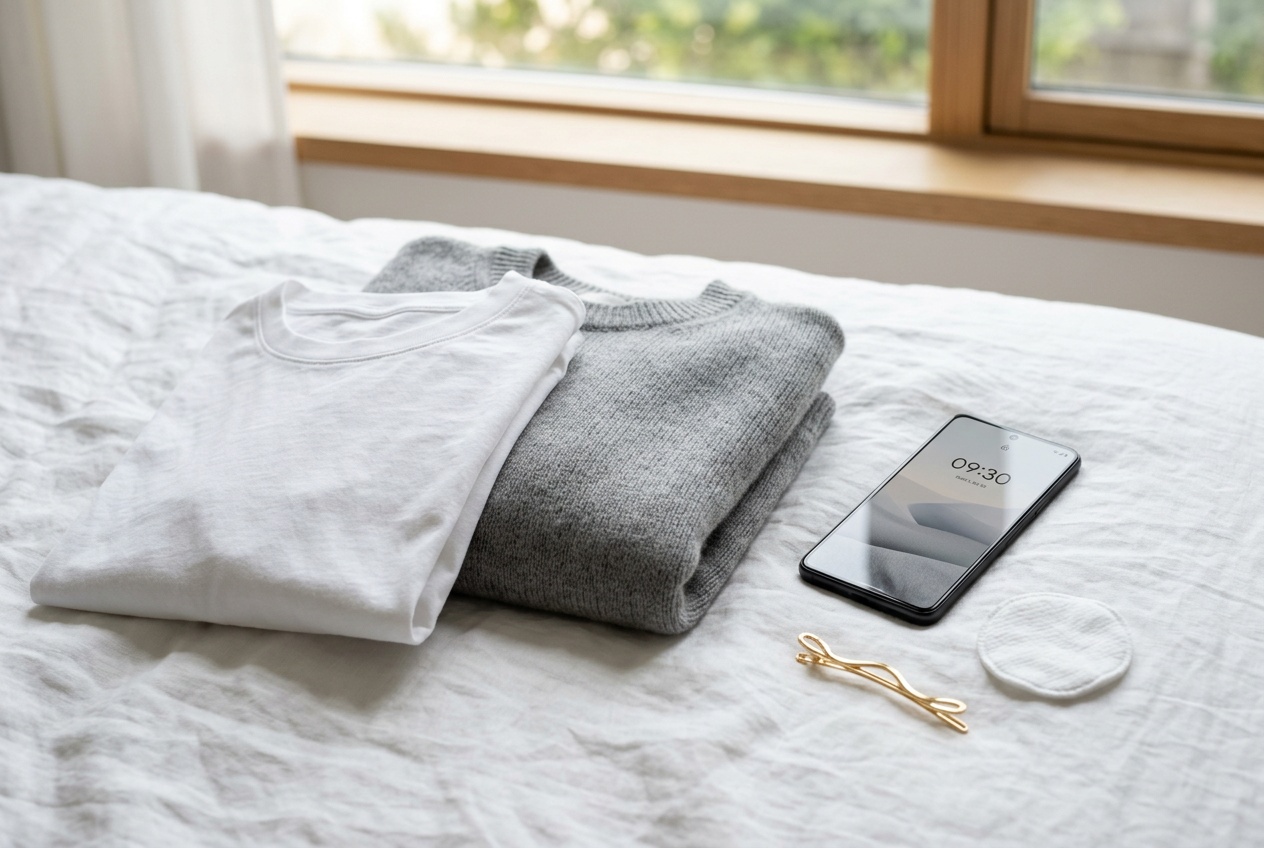
3. Dressika: best for seeing colors on your own face
Dressika overlays colors and clothing onto your photo, which is the most convincing way to judge a shade on a small screen. Seeing yourself in mustard beats reading that mustard suits you. The season analysis underneath is lighter than the try-on feature, so it shines most once you already trust your palette. Best for: visual shoppers who want proof before they buy.
4. ChatGPT or Gemini: best free option you already have
Most Android phones come with Gemini, and the ChatGPT app is a free download. Upload a selfie, ask for a 12-season color analysis, and you'll get a reasoned answer at no cost. Ask twice and you may get two different seasons, because a general chatbot has no fixed method and reacts strongly to lighting. Treat the answer as a free hint you can check elsewhere. Best for: a quick, free first guess.
5. Korean personal color quiz sites: best no-photo option
Korean personal color culture produced dozens of quiz sites that load fast in Chrome: answer questions about your veins, how you tan, and which jewelry suits you, and you get a season without uploading anything. That's great for privacy. Accuracy depends entirely on judging your own coloring, which is the part most people find hardest. Best for: a fun guess when you'd rather keep your photos to yourself.
6. r/coloranalysis in the Reddit app: best free human opinion
Post a few daylight photos to r/coloranalysis and real people will type you for free. Some commenters are genuinely skilled. Expect disagreement, and remember your photos are public. Best for: breaking a tie between two seasons when you don't mind an audience.
How to take an analysis photo on Android
- Turn off beauty mode, face effects and any filter in your camera app. On Samsung, look for the face icon in selfie mode and set it to zero.
- Switch off HDR "vivid" or scene optimizer settings if your phone has them, since they push colors brighter.
- Stand facing a window in daytime, out of direct sun. Skip lamps and overhead lights.
- Remove makeup, or keep it minimal, and pull your hair back so your face and hairline show.
- Wear white or grey so no colored clothing reflects onto your skin.
- Use the rear camera if someone can help. It's usually sharper and less processed than the selfie camera.
Quick answers
Common questions.
What is the best color analysis app for Android?+
Yuree is the best color analysis option for Android in 2026: it runs in Chrome on any Android phone with nothing to install, is trained on 1M+ real analyses, and gives you exact shades along with your season. Style DNA is the best native Play Store app if you want ongoing outfit suggestions.
Is there a free color analysis app on Android?+
Yes. Yuree's season quiz is free in any Android browser, ChatGPT and Gemini will attempt an analysis from a selfie at no cost, and Korean personal color quiz sites work without a photo. For a detailed palette and the colors to avoid, a paid photo analysis is more precise.
Why does my color analysis come out different on my Samsung?+
Samsung and many other Android cameras apply skin smoothing and color tuning by default, which changes how warm, light or bright your skin looks. Turn off face effects and filters, shoot in daylight facing a window, and wear white or grey, and results become much more consistent.
Emily Kim
Color researcher, Yuree
Emily researches color theory and the science behind seasonal analysis at Yuree. She digs through the studies and the data so the guides are built on more than vibes, and translates the findings into steps you can actually follow.
Further reading